
Smart Home Technology for Elderly Care: Top Tools to Support Aging in Place in 2026
Discover how smart home technology for elderly care is transforming aging in place. Explore fall detection, medication reminders, voice assistants, and more to reduce caregiver stress, prevent accidents, and help loved ones stay independent at home. Join HugLoom for coordinated support.
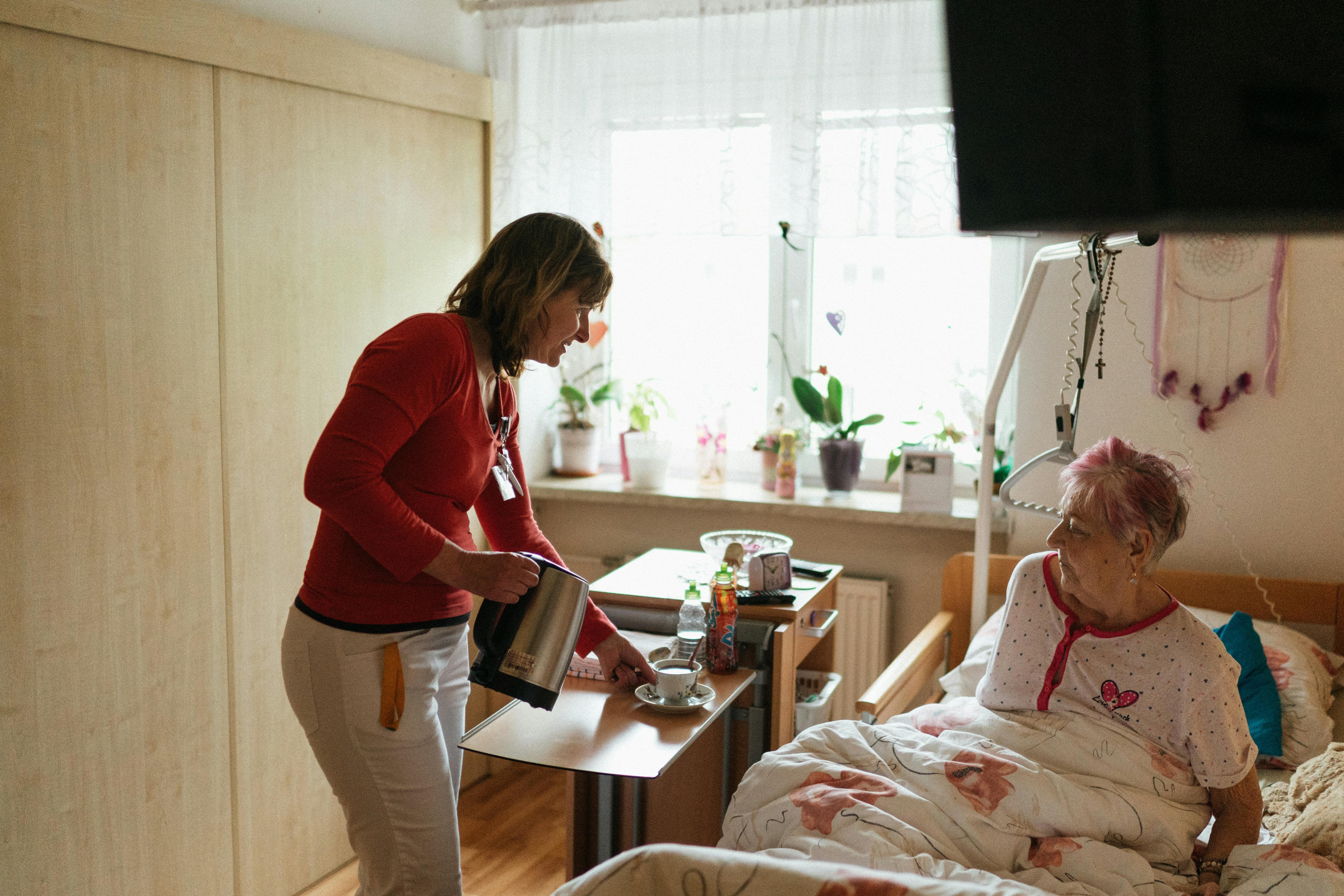
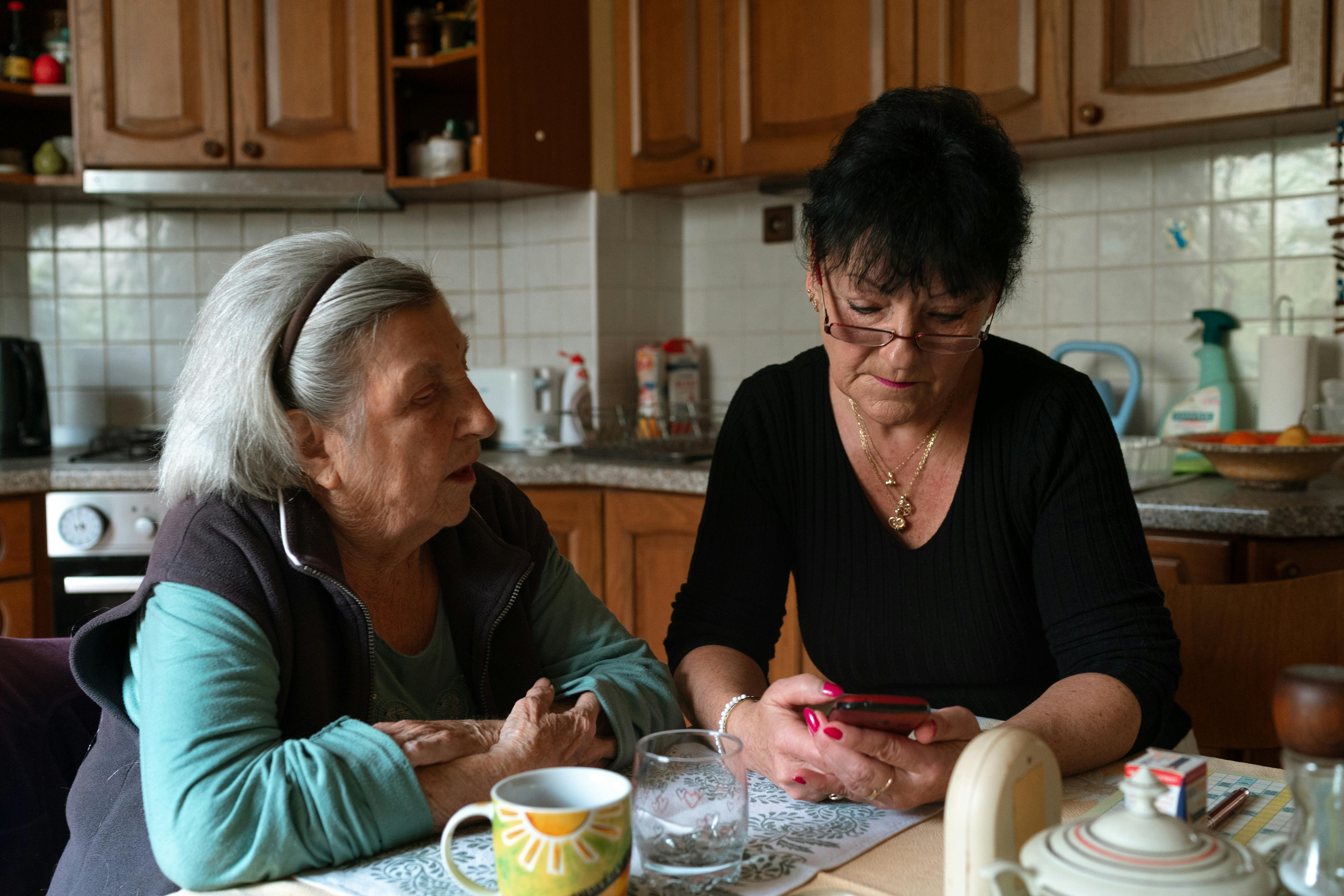
Feeling overwhelmed coordinating care while worrying about your loved one’s safety at home? You’re not alone. Many family caregivers face the daily challenge of balancing work, life, and ensuring an aging parent or spouse remains safe and independent. In 2026, smart home technology for elderly care offers practical, life-changing solutions that promote safety, reduce isolation, and ease your burden—without replacing the human connection at the heart of caregiving. NYtimes
This guide explores proven tools, real benefits, setup tips, and how they pair with dedicated caregiver support platforms like HugLoom to create a complete care ecosystem.
Why Smart Home Technology Matters for Family Caregivers in 2026
The desire to age in place remains strong—75% of adults 50+ want to stay in their homes. But falls, medication errors, and isolation create real risks. Smart home devices address these head-on with proactive monitoring and automation.
Key benefits include:
- Fewer falls and emergencies: Smart sensors and lighting can significantly reduce fall incidence.
- Better medication adherence: Automated dispensers cut errors and caregiver worry.
- Peace of mind through remote insights: Know your loved one is okay without constant calls.
- Greater independence: Voice control and automation support dignity and autonomy. Reduced caregiver burnout: Tools handle routine monitoring so you can focus on quality time.
Studies and 2026 reports show these technologies help seniors live safely at home longer while lowering hospitalization risks. Jamda
Top Smart Home Devices and Features for Elderly Care
Here are the most impactful categories based on current expert recommendations and caregiver feedback:
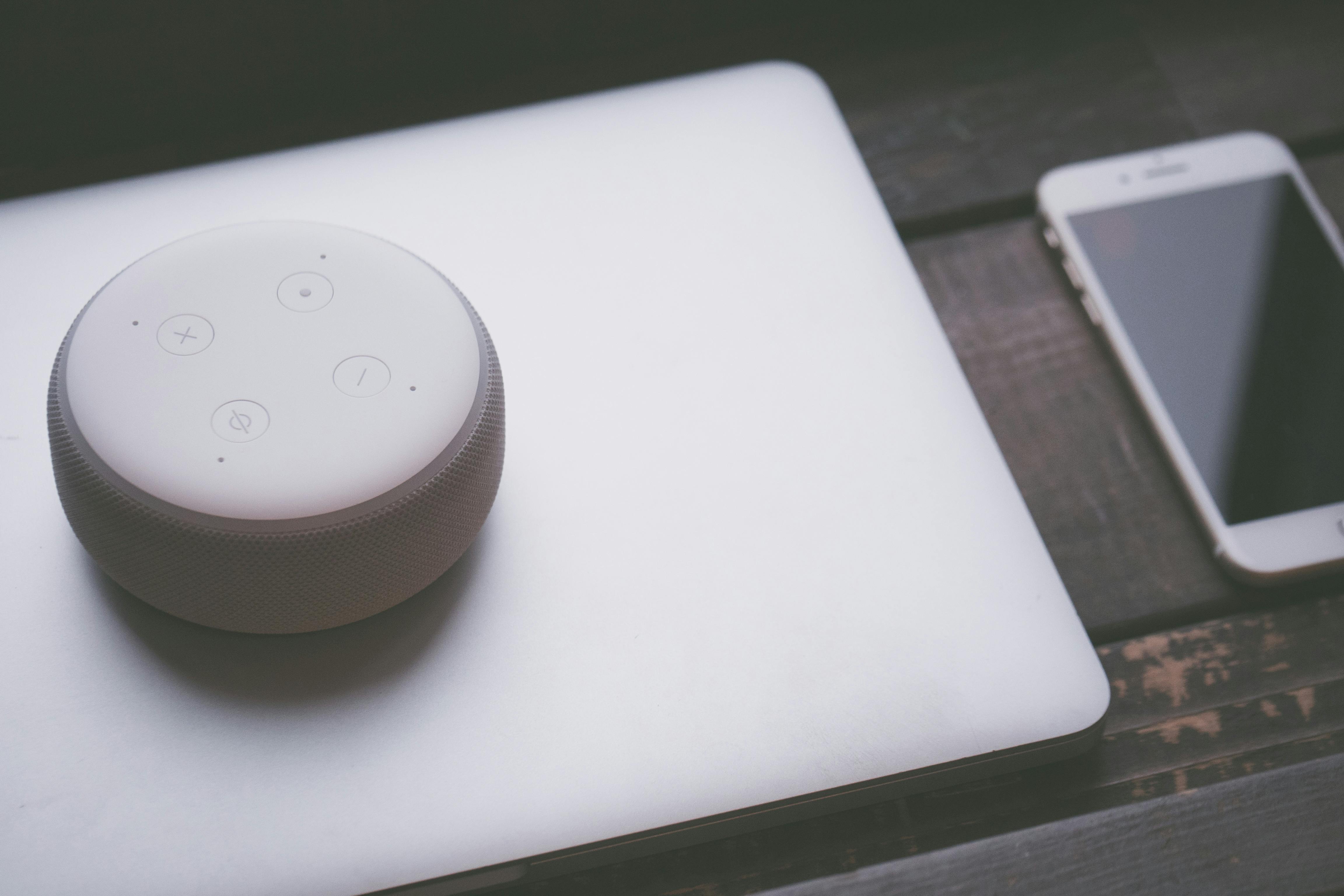
1. Voice-Activated Assistants (Amazon Alexa, Google Nest)
These serve as central hubs. Seniors can use simple voice commands to control lights, call family (“Alexa, call my daughter”), set reminders, or access entertainment. They integrate with emergency services and other smart devices for seamless support. Ideal for mobility or vision challenges. Agesafeamerica
2. Fall Detection Systems and Sensors
Advanced options go beyond wearables: wall-mounted radar or ambient sensors (e.g., SafelyYou, CarePredict) detect falls privately without cameras. Many alert family or emergency contacts instantly. AI-powered versions even analyze gait to predict risks. Falls remain a leading injury cause for those 65+—these tools provide critical early response. Agesafeamerica
3. Smart Medication Management
Dispensers like Hero or MedMinder lock doses, dispense at the right time, send alerts for missed doses, and notify caregivers. This directly tackles a major stress point for dementia and chronic condition care, reducing errors dramatically. Agesafeamerica
4. Automated Lighting and Motion Sensors
Motion-activated lights in hallways, bathrooms, and bedrooms prevent nighttime falls. Systems adjust brightness automatically and can be voice-controlled. Simple but highly effective for safety. NYTimes
5. Smart Security Cameras, Doorbells, and Monitoring
Devices like Ring or Nest doorbells let seniors see and speak to visitors from anywhere in the home. Activity alerts help spot unusual patterns or potential scams. Privacy-focused options use non-camera sensors where preferred. Agesafeamerica
6. Additional Helpful Tools
Smart thermostats and leak/stove shut-off sensors for environmental safety. Wearables or integrated monitors for vital signs and activity tracking.
Pro Tip: Start small (one or two devices) and choose platforms that integrate well (Alexa, Google Home, Apple Home, or Matter standard for compatibility). NYTimes
How to Get Started with Smart Home Setup for Seniors
- Assess Needs: Identify top risks (falls, medication, isolation, security).
- Ensure Reliable Wi-Fi: Upgrade if needed with extenders or mesh systems.
- Involve Your Loved One: Explain benefits and get their input for better adoption.
- Simplify Controls: Use voice commands and caregiver apps for remote management.
- Test and Expand: Begin with high-impact items like lighting and a voice assistant, then add sensors or dispensers.
- Plan for Support: Arrange family or professional help for initial setup.
Many devices are plug-and-play, but professional installers or tech-savvy family members make the process smoother. NYTimes
Addressing Common Concerns: Privacy, Cost, and Usability
Caregivers often worry about complexity, expense, or privacy. Modern 2026 devices prioritize simplicity with voice control and caregiver dashboards. Many are affordable to start, with some costs offset by prevented emergencies or insurance/remote monitoring coverage. Privacy-focused non-camera sensors address surveillance concerns. Always review security settings and choose reputable brands. Clarahomecare
Integrating Smart Tech with Caregiver Community Support
Smart devices excel at monitoring and automation, but they don’t replace emotional understanding or practical coordination. This is where a dedicated caregiver support app and verified caregiver community make all the difference. Distance.physiology.med.ufl
Use your shared care calendar in HugLoom to schedule device check-ins or maintenance alongside family appointments.
- Share medication tracking data or alerts within your private care circle.
- Turn to Local Hugs volunteers for help installing or troubleshooting smart devices.
- Combat isolation with the mood check & wellness tools and peer connections—technology
- handles the “what,” community supports the “how are you feeling?”
- Browse the caregiver marketplace for affordable used smart home gear.
Related Reading:
Top 6 Tips for Preventing Caregiver Burnout in 2026
Stress Management for Caregivers: 7 Practical Strategies
Caregiver App for Dementia Care Guide
Real Relief Starts with Connection
Smart home technology for elderly care empowers independence and safety while giving you breathing room. Combined with tools designed by caregivers for caregivers, it creates sustainable support.
Ready to build a stronger care network? Join the HugLoom community today at https://hugloom.vercel.app/. Experience verified peer support, the Care Calendar, medication tracker, Local Hugs volunteers, and a spam-free space where you’re truly understood—for just $5/month.
You deserve support as much as your loved one does. Start connecting with caregivers who get it.